
Windows 11

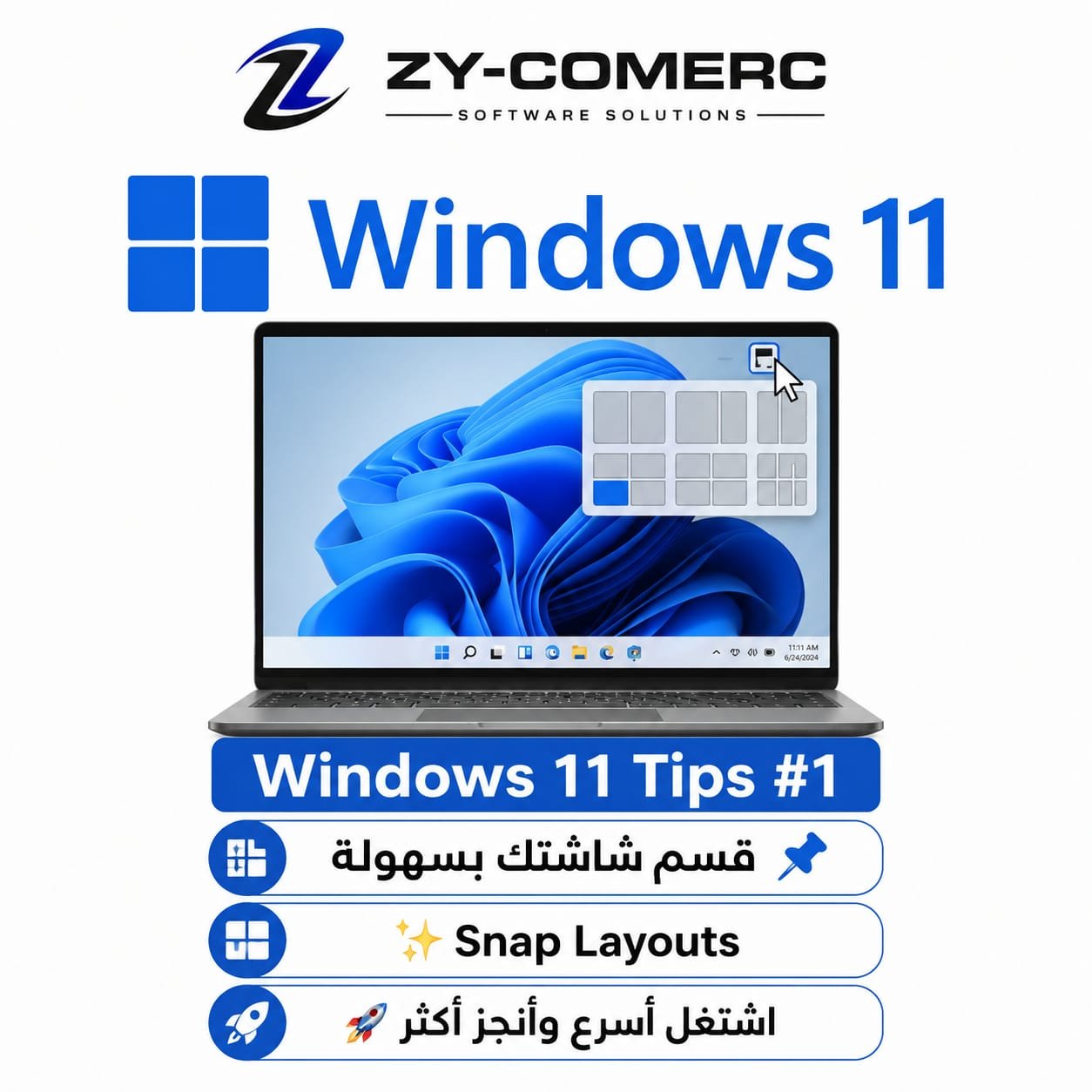
💡 Do You Know About Snap Layouts in Windows 11?
If you work with multiple programs at the same time, Windows 11 makes it easy to organize your screen professionally.
✨ How to use it:
1️⃣ Move your mouse over the Maximize button ⬜
2️⃣ Different screen layout options will appear.
3️⃣ Choose the layout that suits you.
4️⃣ Place each program in the section you want.
🎯 Snap Layouts can help you:
✅ Use Excel and Word side by side
✅ Work with your browser while completing other tasks
✅ Compare files more easily
✅ Improve your productivity
Try it today and tell us what you think! 👇
#Windows11 #تعلم_ويندوز11 #نصائح_تقنية #إنتاجية
0 Comments