
Excel

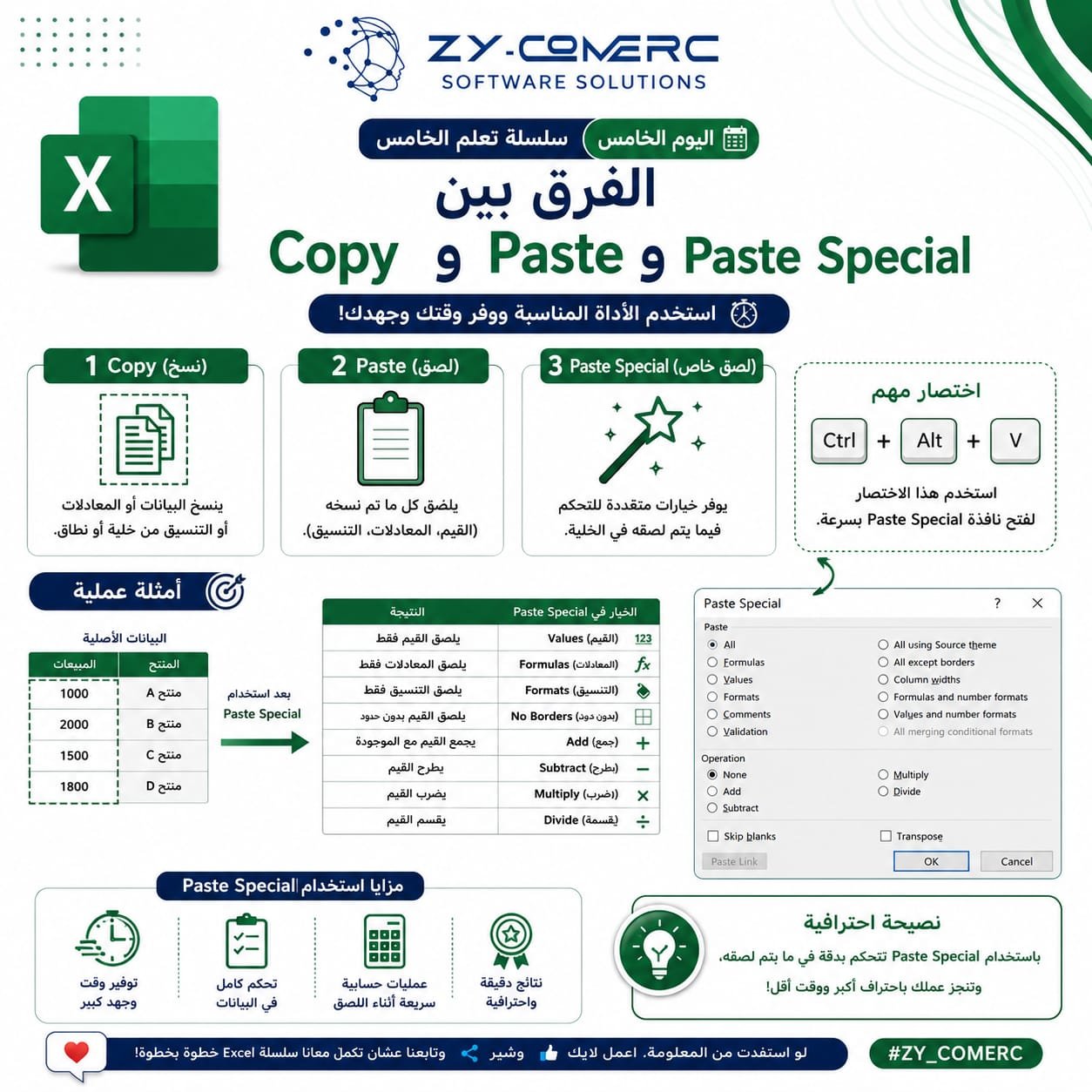
📌 Do you know the difference between Copy, Paste, and Paste Special?
Most people use Copy and Paste every day, but only a few take advantage of the power of Paste Special in Excel.
With just a few clicks, you can: ✅ Paste values only without formulas.
✅ Copy formatting only.
✅ Paste formulas without changing the table layout.
✅ Perform quick calculations while pasting (Add, Subtract, Multiply, or Divide).
💡 Pro Tip:
Press Ctrl + Alt + V to open the Paste Special dialog instantly and save valuable time.
🚀 The more Excel features you master, the faster and more professionally you'll get your work done.
💙 If you found this tip helpful, don't forget to Like ❤️, Share 🔄, and Follow us to continue learning Excel step by step.
#Excel #MicrosoftExcel #DataAnalysis #LearnExcel #ZY_COMERC
0 Comments