
Windows 11

🔋 Does your laptop battery run out quickly?
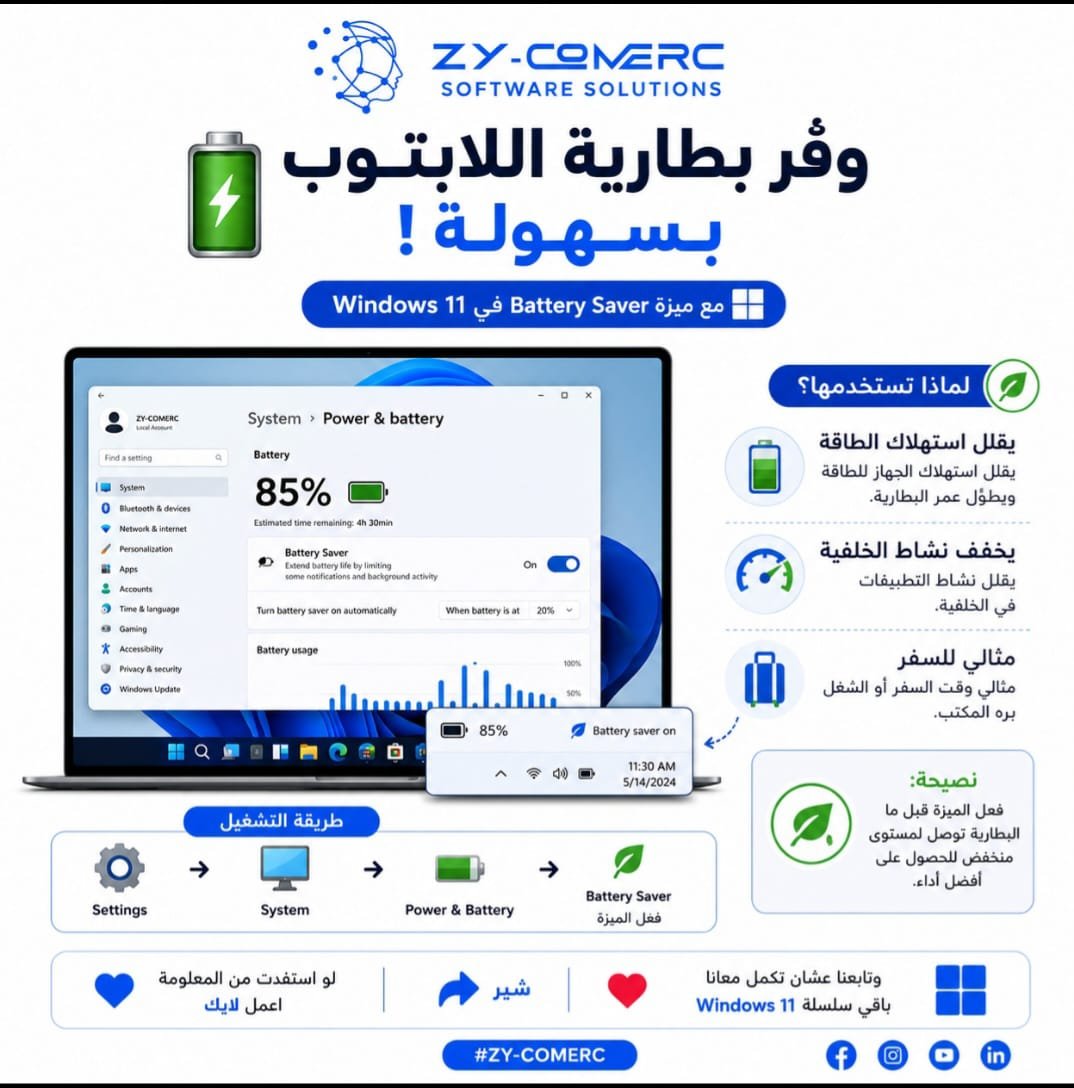
In Windows 11, you can turn on Battery Saver to extend your battery life and keep working for longer.
✅ Reduces power consumption.
✅ Limits background app activity.
✅ Useful while traveling or working away from the office.
📌 How to turn it on:
Settings > System > Power & Battery > Battery Saver
You can also click the battery icon on the taskbar and enable Battery Saver.
🚀 It is a simple step, but it can make a big difference when your battery is running low.
💙 If you found this tip useful, leave a like ❤️, share it 🔄, and follow us for more tips in our Windows 11 series.
#Windows11 #ويندوز11 #Microsoft #WindowsTips #BatterySaver #Productivity #ZYCOMERC #ZY_COMERC
0 Comments