
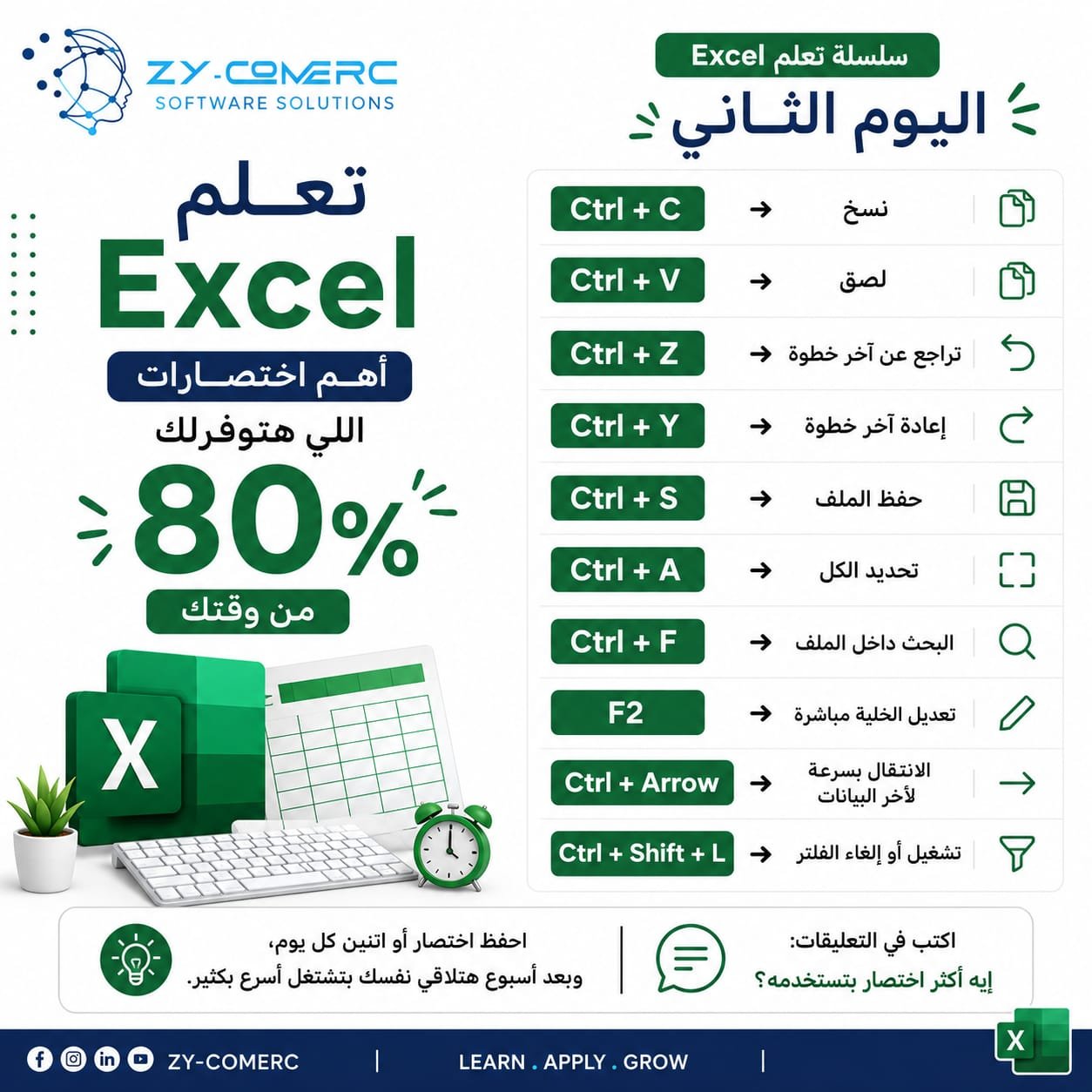
Excel

🚀 Day 2 of the Excel Learning Series
If you use the mouse for everything, you’re wasting a lot of time! 😅
Let’s learn some of the most useful shortcuts that will help you work faster and look more professional in Excel:
⌨️ Ctrl + C ➜ Copy
⌨️ Ctrl + V ➜ Paste
⌨️ Ctrl + Z ➜ Undo the last action
⌨️ Ctrl + Y ➜ Redo the last action
⌨️ Ctrl + S ➜ Save the file
⌨️ Ctrl + A ➜ Select all
⌨️ Ctrl + F ➜ Search within the file
⌨️ F2 ➜ Edit the selected cell directly
⌨️ Ctrl + Arrow Key ➜ Move quickly to the edge of the data range
⌨️ Ctrl + Shift + L ➜ Turn filters on or off
💡 Learn one or two shortcuts every day, and after one week, you’ll notice that you’re working much faster.
💬 Write in the comments:
Which shortcut do you use the most?
Tomorrow, we’ll start learning the first essential Excel functions through simple explanations and practical examples.
#Excel #MicrosoftExcel #DataAnalysis #ExcelTips #LearnExcel #ZYCOMERC
0 Comments